Home Automation

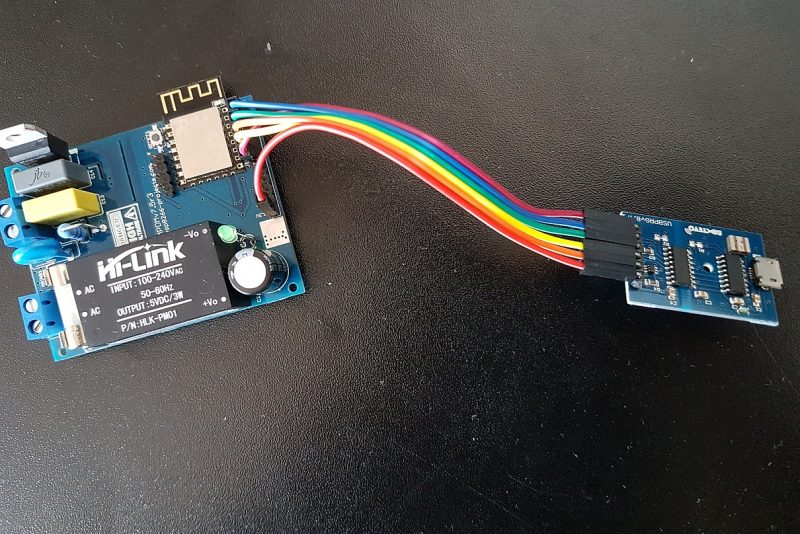
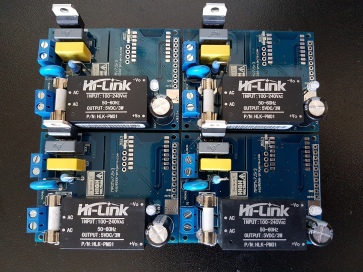
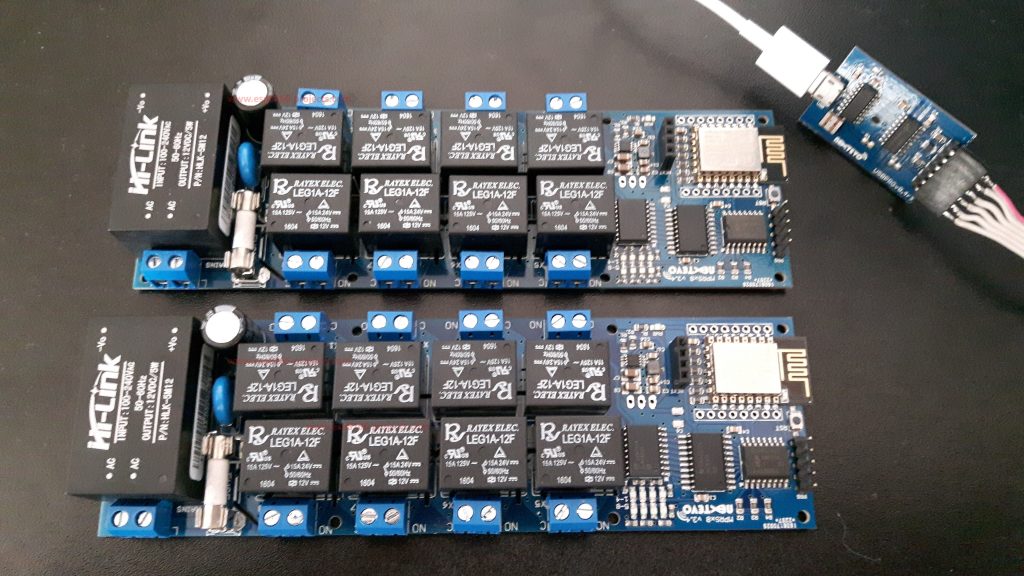
WIFI 8x MAINS Relays board for Home Automation

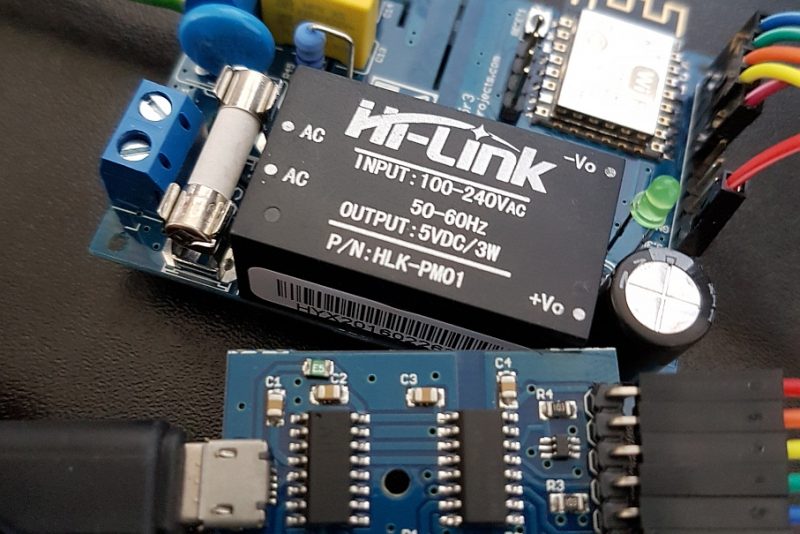
  Available also on Tindie store: https://www.tindie.com/stores/nEXT_EVO1/ What is it? MPRSx8 is a WIFI friendly 8x MAINS Relays board fully compatible with Arduino, ARM, ESP8266, ESP32, PIC, RaspberryPI, etc The idea behind was to design a safe, compact, all-in-one Universal MAINS (EU/US) compatible 8x High Power Relays board that can be easily used for industrial or
Domoticz, Home Automation

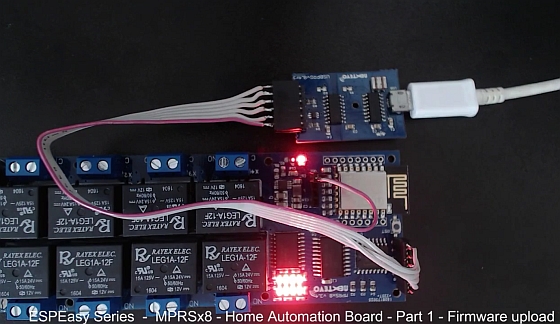
ESPEasy Series : MPRSx8 Home Automation Board – Part 1 – Firmware Upload

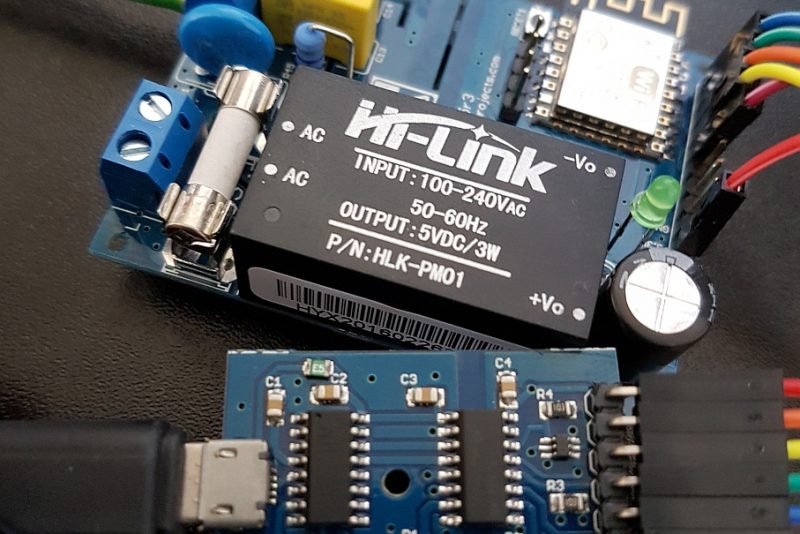
The MPRSx8 – Home Automation DevBoard meets ESPEasy Firmware :)MPRSx8 Board is available also on Tindie store: https://www.tindie.com/stores/nEXT_EVO1/ For MPRSx8 general presentation and hardware description please take a look also at Part 1 of the MPRSx8 series ESPEasy Firmware Upload tutorial: What we will need: MPRSx8 Home Automation Development Board ESP8266 ESP-12E module installed on the MPRSx8

AC Dimmer, Home Automation

AC Dimmer DevBoard – MPDMv7.5 Release!

For any new orders/requests please feel free to use as usual: tech at esp8266-projects.com.MPDMv7.5 Boards are also available on Tindie: AC MAINS Dimmer – MPDMv7.5 ————————————————— DISCLAIMER ————————————————–       WARNING!! You will play with LIVE MAINS!! Deadly zone!!        If you don’t have any experience and are not qualified for working with MAINS power I will

AC Dimmer, Home Automation

AC Dimmer DevBoard – MPDMv7.5 – Part 2

For a more detailed description please take a look at the Part 1: MPDMv7.5 AC Dimmer devboard overview MPDMv7.5 AC Dimmer devboard ESP Basic program example for the basic version configuration: ‘write(“starttimer”,10) cls ‘VCNT GPIO pin let pinNo = 13 ‘ON-OFF GPIO pin let off = 16 io(po,off,0) ‘ Software option for Light FULL ON at power-up ‘

AC Dimmer

AC Dimmer DevBoard – MPDMv7.5 – Part 3 – DAC

For a more detailed description please take a look at the Part 1: MPDMv7.5 AC Dimmer devboard overview MPDMv7.5 AC Dimmer devboard ESP Basic program example for the Extra DAC version configuration: address = 96 ‘MPC4726 DAC I2C Address cls i2c.setup(4,5) ‘choose your I2C bus pins let off = 16 io(po,off,0) ‘stat = “on” ‘let sw = 0

AC Dimmer

MPDMv7.5 Arduino IDE driver example

For a more detailed description please take a look at the Part 1: MPDMv7.5 AC Dimmer devboard overview MPDMv7.5 AC Dimmer devboard is also available on Tindie Store A very simple MPDMv7.5 Arduino IDE driver example: const int vcntPin = 13; // the pin that the MPDMv4 VCNT pin is attached to const int ON = 16; //

Display, Mailbag

Mailbag Arrival !! MAX7219 – 8 Digit LED Display Driver

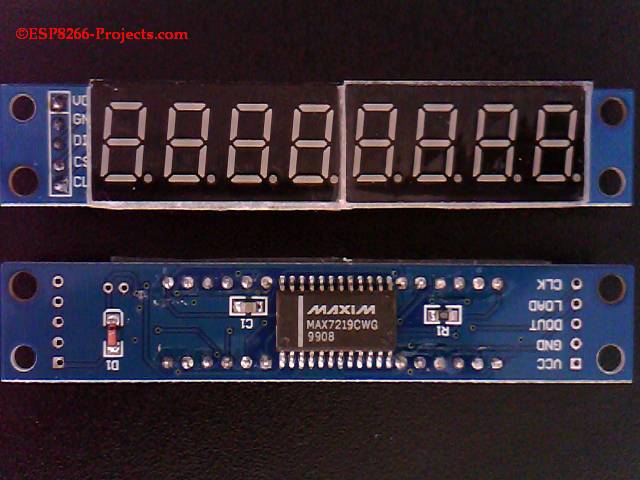
First RUN test for MAX7219 LED Display Module using ESP8266 CBDBv2 EVO Board           Another very popular and widely available module, used already in many Projects before, meeting the ESP8266 ecosystem 🙂     You can buy MAX7219 modules from Banggood, Amazon, Ebay, nameyourfavorite.com, quality and price might hugely vary from one to another so don’t choose

Home Automation, Mailbag

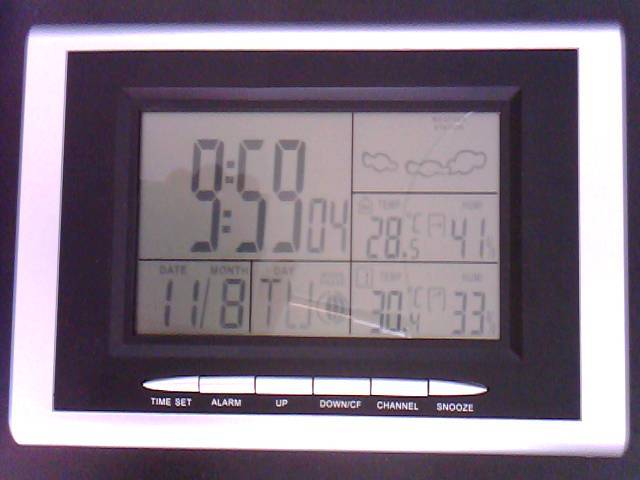
Mailbag – ESP8266 Weather Station 433Mhz KN-WS400 hack

Using a 433Mhz radio link the ESP8266 CBDB Dev Board module equipped with a DHT22 temperature/humidity sensor is uploading data directly to the Konig 433 mhz wireless station with hygro-thermometer [KN-WS400N] :   http://www.amazon.com/gp/product/B00O9RMVTS/ref=as_li_tl?ie=UTF8&camp=1789&creative=9325&creativeASIN=B00O9RMVTS&linkCode=as2&tag=wwwesp8266pro-20&linkId=RAUMEAnd the story behind:   As been working to a ESP DHT22 sensors array for a Environment data logging system I was thinking that

LUA, Mailbag

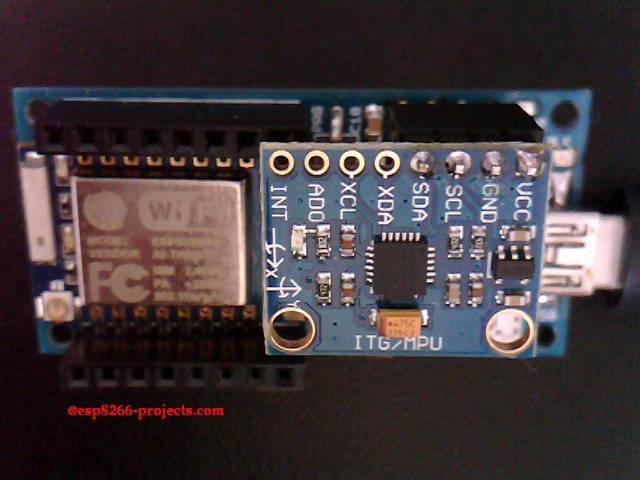
Mailbag !! MPU6050 Module I2C Driver, Init and config

As been requested by many people that have difficulties to use the MPU6050 Modules, I’ve done a more detailed ESP8266 Video Tutorial related with the MPU6050 GY-521 Module initialisation and basic usage. It is a detailed, step-by-step tutorial, showing all the needed init stages and tests for a proper and smooth usage of the MPU6050

Display, Mailbag

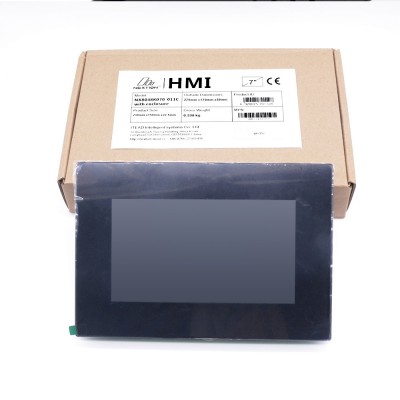
Mailbag – Nextion HMI Display – Enhanced NX8048K070_011C

And the story behind: Today we will start a new hands-on tutorial series generally related with Display options available for the esp8266 projects and in particular with the smarter type of Displays, the HMI (Human Machine Interface) class ones. I was looking for a while for the best HMI option for some running projects, in

Scroll to Top